
Project — 05

Sam's Teaching App

samsteaching.app

Lede — 001

A single app that carries a full year of secondary art — planning, teaching, student learning, timetables and department admin — so the whole year's projects and planning are done before September begins.

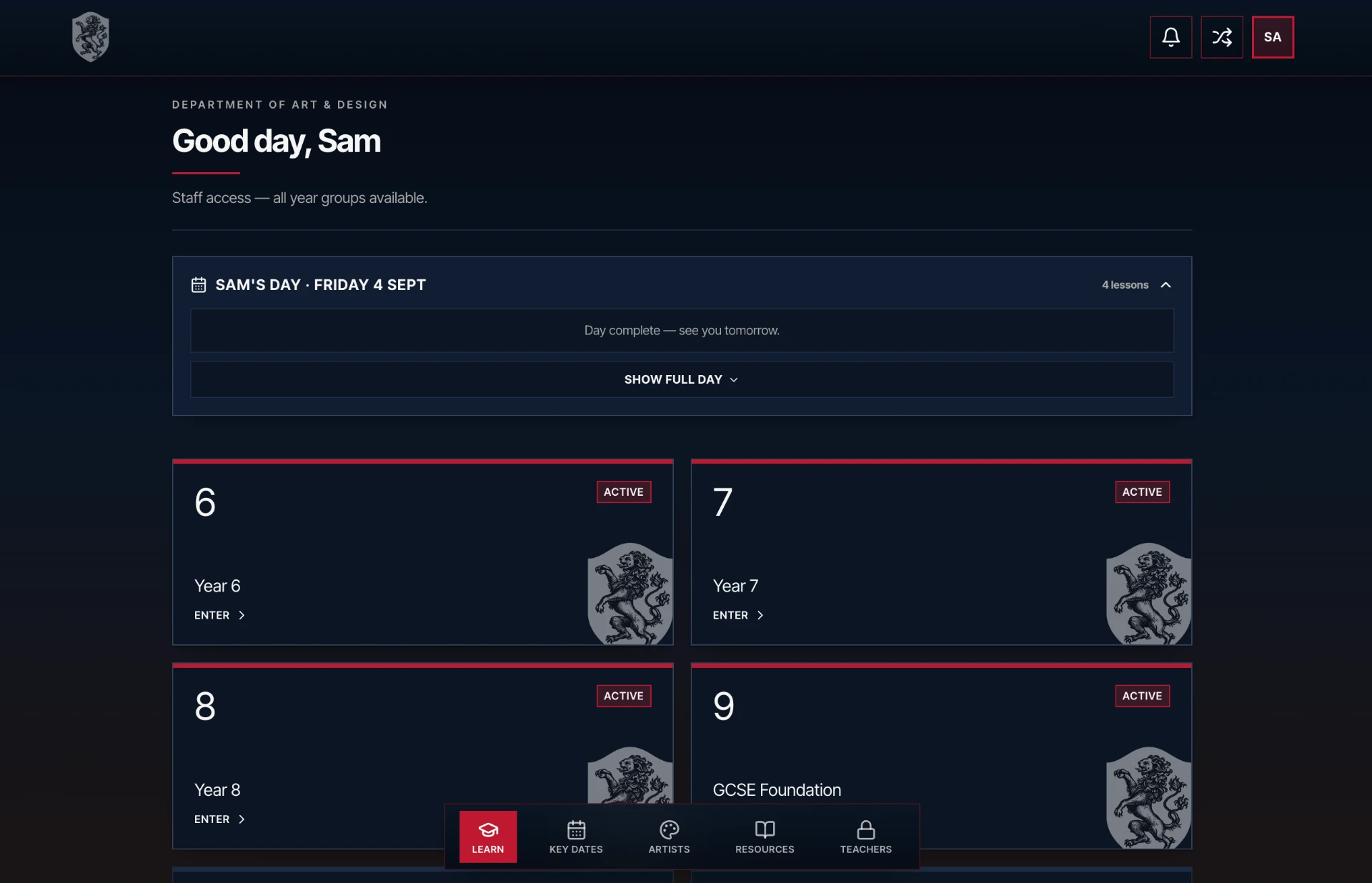
Fig. 01 — Unlock Learning, samsteaching.app

Sam's Teaching App home screen showing each year group as a card, with teacher access unlocking all years

The home screen. Every year group is a doorway into a fully planned scheme of work — students unlock the year they belong to, teachers unlock all of them.

What it does — 002

A full year of art, in one place.

01

A whole year, already planned

Every year group — Year 6 through Year 13 — is arranged as a complete scheme of work. Lessons, resources, artist references and assessment points are sequenced so a term opens with the plan already made. No blank Monday morning.
02

Student learning, unlocked

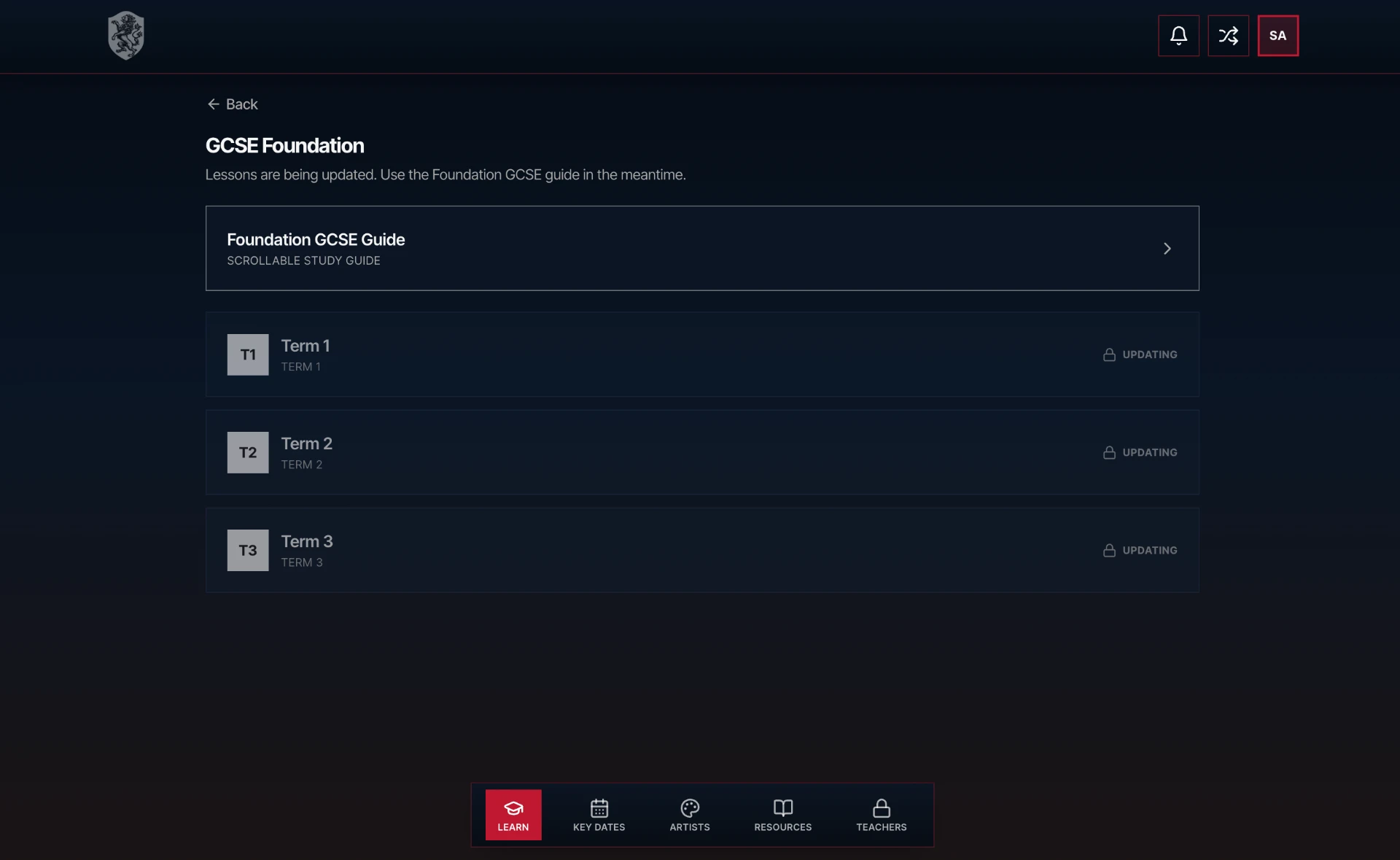
Pupils sign in and pick up exactly where they left off. Each year unlocks its own studio of tasks, references and step-by-step demos — designed so a student can move at their own pace and revisit anything they've missed.

03

Planning for teachers

Every unit ships with the planning already built: learning objectives, differentiation, keywords, homework, links to AQA / IB specifications and printable resources. Adapt, don't reinvent.

04

Timetables & workload

Each teacher's timetable lives inside the app — classes, rooms, cover, duties. Lesson plans are attached directly to the period they're taught in, so the week is legible at a glance.

05

HOD tools

Heads of Department can post announcements, share schemes of work, assign cover, publish meeting agendas and push resources out to the whole team. One place for the department to actually run from.

06

GCSE, A-Level, IB — supported end to end

Year 10 through 13 are being rolled out with full component-level tracking: AQA GCSE Portfolio + ESA, A-Level Personal Investigation + ESA, and IB Visual Arts (CS, PP, Exhibition).

Fig. 02 — Teacher timetable

Mon
Tue
Wed
Thu
Fri
Y10Art
Y8Art
Y11Art
Y7Art
Y12Art
Y13Art
Y10Art
Y8Art
Y9Art
Y10Art
Y11Art
Y10Art

Every period on the timetable is linked to its lesson plan, class list and resources. Cover, duties and meetings sit in the same grid.

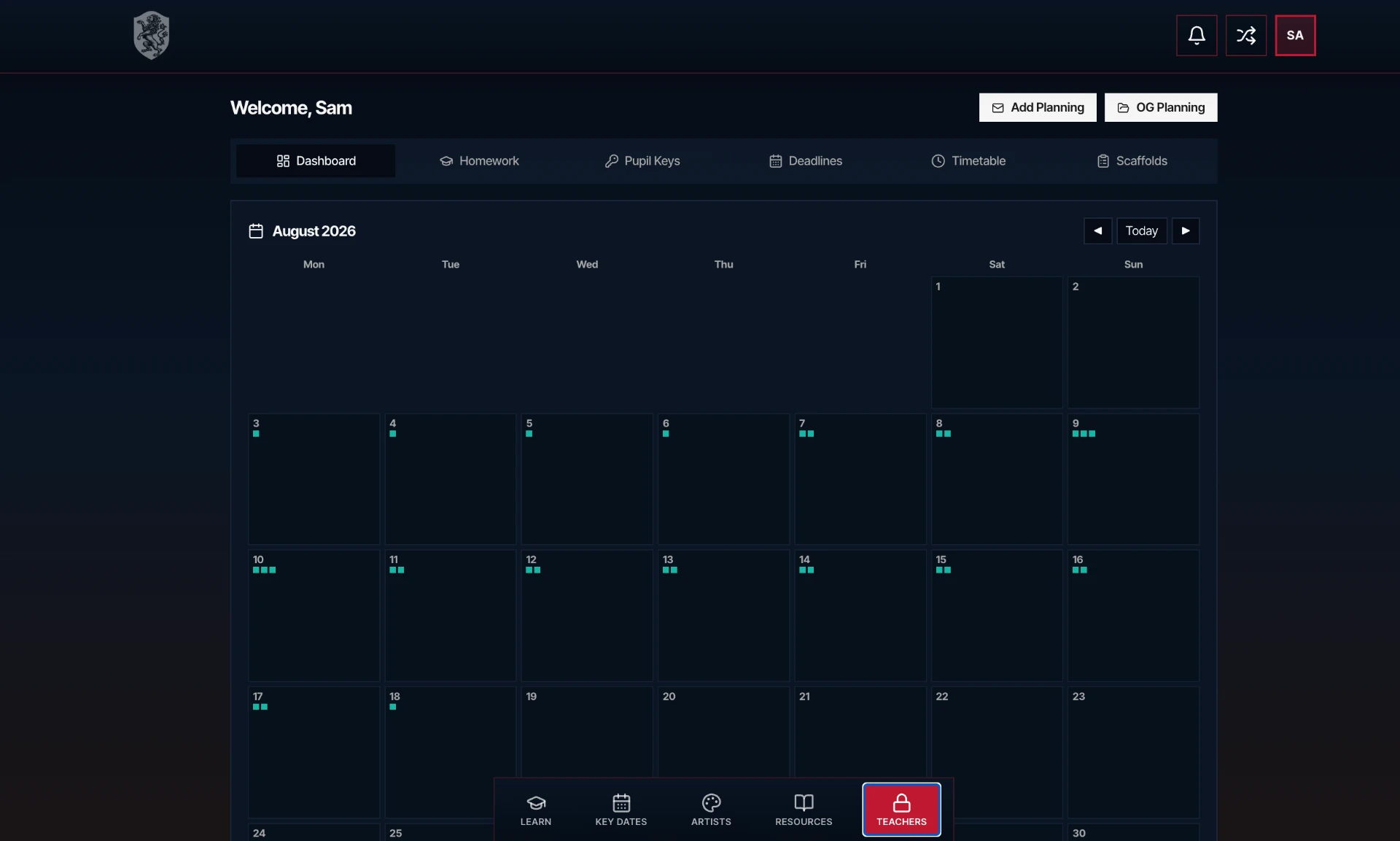
Fig. 03 — Teacher & HOD dashboard

Teacher dashboard in Sam's Teaching App showing deadlines, term dates, homework, pupil keys, timetable and scaffolds

Deadlines, term dates, homework and scaffolds in one place — HODs post once and the whole department sees it.

On the app — 003

"The point is that a whole year — every project, every lesson, every homework, every assessment — is already there. The teacher walks in and teaches. The student walks in and makes."
Visit samsteaching.app →Beta · rolling out KS3 → A-Level